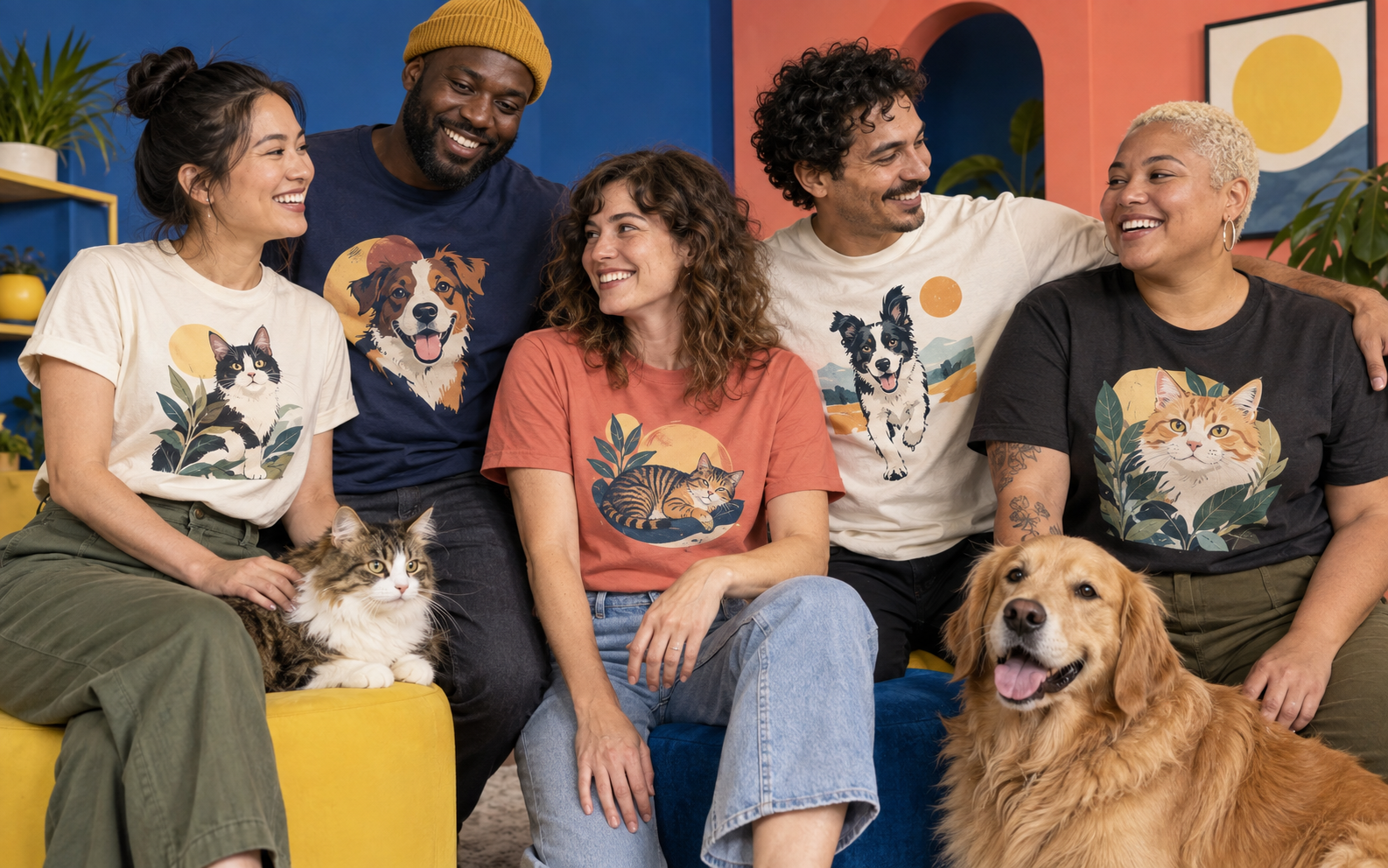
The best photo for custom pet artwork is a sharp, well-lit picture of one pet with the whole face visible, recognizable markings and room around the ears. Start with the original camera file. A simple phone portrait with clear eyes is usually a more useful reference than a dramatic picture with a tiny, blurry face.
Your favorite memory and your strongest artwork reference may be different photos. You can love the beach picture and still choose the quiet kitchen portrait because it shows what makes your pet look like your pet. Here is how to make that choice before uploading.
Compare three photos before choosing one
Here is a fictional three-photo shortlist for a black-and-white dog: a beach sunset with the face in shadow, a sharp window-side portrait with both ears visible, and a funny sofa photo with the muzzle hidden behind a toy. Choose the window portrait. It shows the white nose blaze and the folded ear clearly; the other two remain excellent memories.
The useful brief is now specific: “Use this original window portrait. Keep the white blaze, folded ear and dark patch around the right eye.” You have selected a file and named the details worth preserving. That is much more helpful than uploading three favorites and hoping the system knows which bits matter.
Put your strongest candidates side by side. Zoom in on the eyes, nose and fur markings, then zoom back out to see the full head. Choose the photo that gives the artist or illustration system the most reliable information. Do not pick solely by background or by which photo got the most likes.
| Check | Good reference | Choose another photo when |
|---|---|---|
| Sharpness | Eyes, nose and facial edges are clear | The face looks smeared when enlarged |
| Light | Fur texture and markings remain visible | Black fur becomes a silhouette or white fur loses detail |
| Framing | Both ears and the full face fit comfortably | Ears, muzzle or important markings are cut off |
| Pose | A familiar expression and natural head position | A wide-angle close-up stretches the nose |
| Obstructions | The face is unobstructed | A hand, toy, harness strap or fence covers key features |
Use soft light that shows the actual fur
Try a spot near a window with indirect daylight, or a shaded outdoor area. Turn your pet gently toward the light without forcing a pose. Look at the face on your phone screen. If one side disappears into shadow, change your position or move to a brighter area.
Dark fur needs particular attention. In its pet-lighting tutorial featuring photographer Akiyo Ogawa, Adobe points out that dark fur can look like a solid mass and demonstrates ways to bring out detail. For an artwork reference, the useful lesson is to make the eyes and fur readable before choosing the image. Editing cannot reliably recover detail that was never captured.
White fur has the opposite problem: bright sunlight can wash away its texture. Check the forehead, cheeks and chest for visible detail. Avoid making the entire image brighter just to lighten a shadow if that erases the pale areas. A fresh photo in softer light is often the simpler solution.
Get down to your pet's eye level
Photographing from directly above can make the head look small and change the proportions you know. Sit or crouch a comfortable distance away. Keep enough space in the frame for ears, whiskers and the top of the chest. Tap the face to focus if your phone offers that control.
Avoid pushing the phone very close to the nose. Perspective can make the muzzle appear much larger than the rest of the head. Move back and frame the portrait more naturally. Take several photos during a relaxed moment, then inspect them instead of assuming the first shot is sharp.
Keep the session easy for your pet. Do not restrain an uncomfortable animal or use a stressful setup just to get a pose. A familiar room, a short session and a natural expression can give you a more useful reference than elaborate props.
Keep the original file and avoid heavy filters
Use the original photo from your camera roll when possible. Screenshots, social media downloads and images forwarded through messaging apps may have lost detail. If a friend took the photo, ask for the original file and permission to use it on merchandise.
A small crop or modest exposure adjustment can help you assess a photo, but beauty filters, aggressive sharpening and color effects can change your pet's appearance. Check whether the coat still has its true color and whether the eyes look natural. Do not rely on an AI enhancement to invent markings or facial detail.
Follow the current upload form’s file requirements. The reference photo guides the illustration; it is not necessarily the final image printed on the garment.
Check Paw & Wonder's photo rules
The portrait studio asks for one clear pet photo with the face visible and no people. Check its current availability and upload requirements, then read the photo, privacy and print rules before submitting. Choose the original file that best meets those requirements.
Use a photo you own or have the photographer's permission to use on merchandise. Do not upload a famous animal, brand logo or someone else's protected artwork. A professional portrait being in your possession does not automatically mean you have permission to turn it into a product.
For this studio, choose one clear subject rather than a group photo. If two pets are overlapping or one face is much smaller, do not expect the system to guess which animal matters. Take a separate portrait that gives the intended pet enough room in the frame.
Review the artwork and garment proof separately
Keep the original photo beside the generated artwork. Check the eyes, ear shapes, markings, expression and any wording. AI can make a convincing animal that still is not quite your animal. Resolve an identifying mistake before approving it.
Then check the selected garment, color, placement and size separately. Our proof-review guide shows a completed correction request and a short decision sheet. Read the current return policy before purchasing.
What if you only have an older photo?
Choose the clearest original available, even if the setting is imperfect. Favor a visible face over a cleaner background. Avoid repeatedly saving or compressing the file. If it is a treasured photo of a pet you cannot photograph again, contact the studio before ordering and explain what detail you most want preserved. Do not assume that missing or blurred features can be reconstructed accurately.
Your five-minute selection checklist
- Pick three candidate photos from the original camera files.
- Zoom in and check eyes, nose, fur detail and distinctive markings.
- Choose the clearest full-face portrait with room around the ears.
- Confirm photo ownership or the photographer's merchandise permission.
- Read the current upload rules, then review the artwork and garment proof before buying.
Ready to choose? Open your camera roll first, pick the reference that shows your pet most clearly, then visit the Paw & Wonder studio. A few minutes spent choosing the photo gives you a better basis for deciding whether the finished design is right for you.